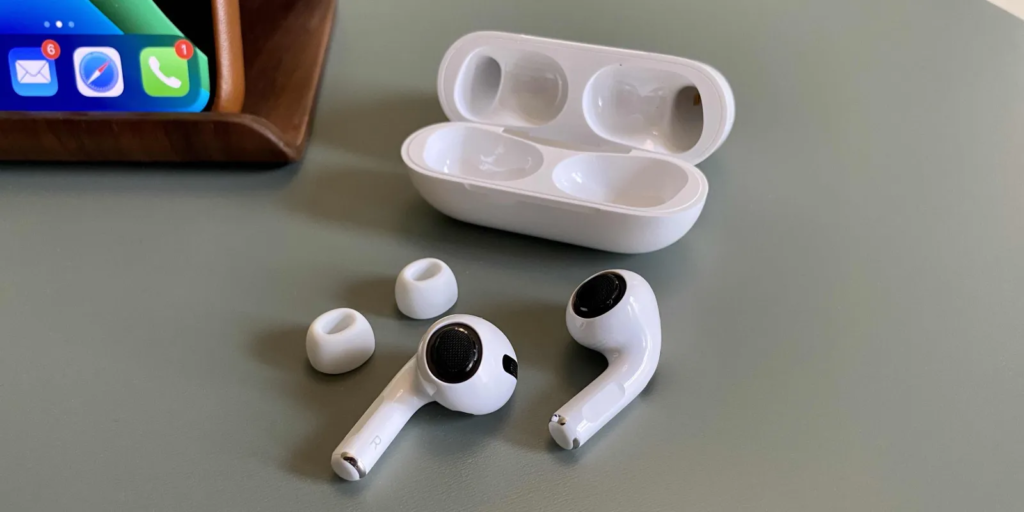
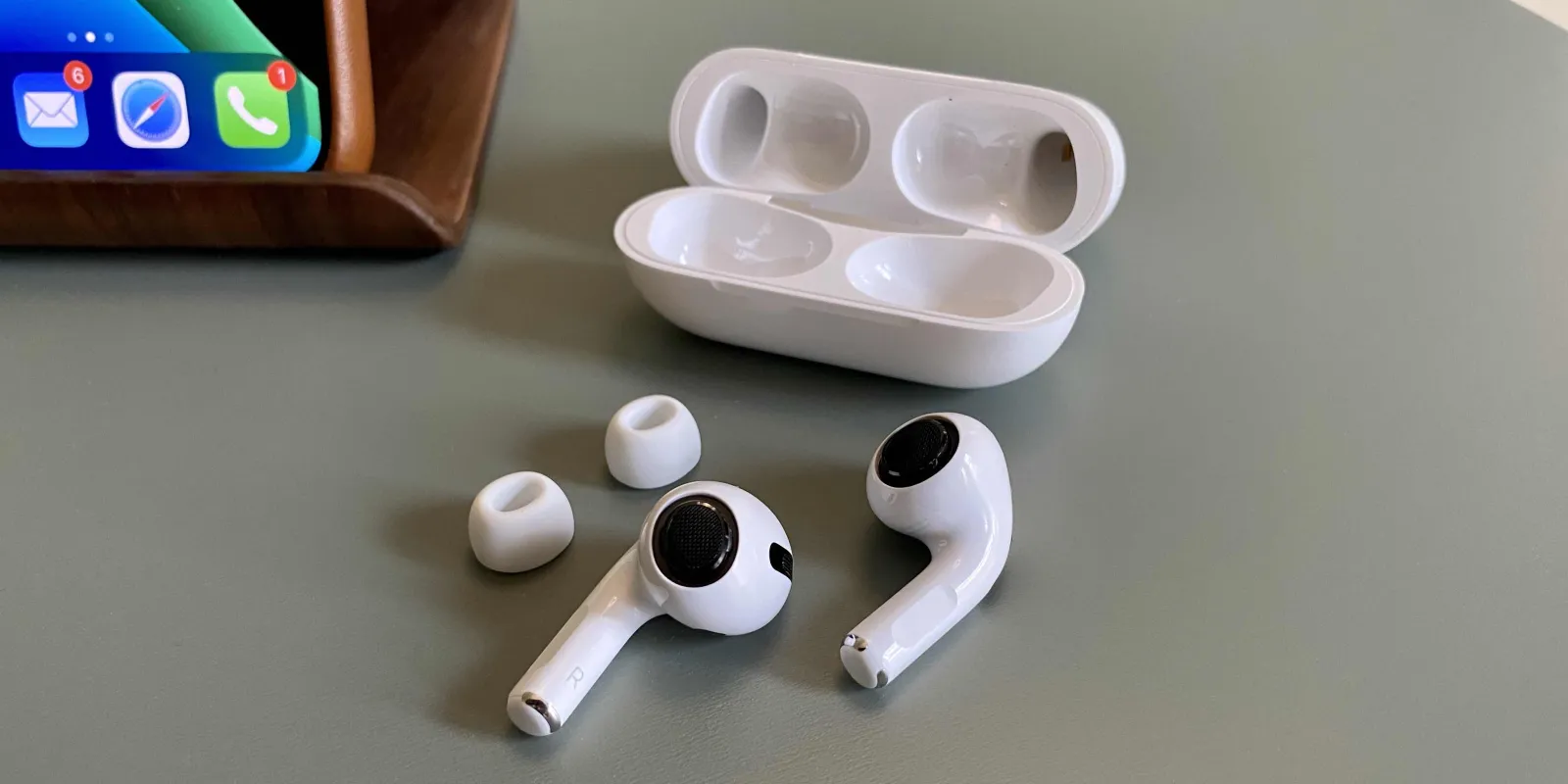
AirPods, Apple’s revolutionary wireless earbuds, have become a must-have accessory for many people. Keeping them clean not only extends their life but also ensures optimal audio quality. This guide provides the correct techniques to effectively clean your AirPods.
Understanding AirPods' Design
AirPods have a unique design with complex components that require careful handling during cleaning. It is important to understand their structure to avoid damage.
Gathering the Right Tools
Image Source: 9to5mac.com
Safe cleaning starts with the right equipment. Gather a soft, lint-free cloth, a soft-bristle brush, cotton swabs, and isopropyl alcohol.
Pre-Cleaning Precautions
Before cleaning, make sure your AirPods are disconnected from your device and turned off. Avoid using water or other liquids that may get into the earbuds.
Cleaning the Earbuds
Wipe the earbuds gently with a soft cloth. Use dry cotton swabs for the microphone and speaker mesh. Be careful to prevent debris from being pushed further in.
Cleaning the Charging Case
The case requires special attention. Clean the outer shell with a cloth dampened with isopropyl alcohol. Avoid getting moisture in the charging ports.
Drying Your AirPods
After cleaning, let your AirPods air dry completely before using or charging them.
Avoiding Common Cleaning Mistakes
Never use sharp objects or excessive moisture. These can damage the AirPods and impair their functionality.
Regular maintenance can prevent the buildup of dirt and earwax. Store your AirPods in their case when not in use to keep them clean.
Conclusion
Properly cleaning and maintaining your AirPods can significantly enhance their performance and lifespan. Follow these guidelines to keep your AirPods in top condition.