Your Tech Story

Tech News

Two Ways to Reset Your Forgotten Apple Watch Passcode

Two Ways to Reset Your Forgotten Apple Watch Passcode

Forgetting your Apple Watch passcode can be troublesome, but don’t worry, resetting it is easier than you think. This article guides you about the top two methods to reset your forgotten Apple Watch passcode.

Understanding Apple Watch Passcode

The Apple Watch passcode is a security measure to protect your data. This is required for features like Apple Pay and unlocking your watch.

Method 1: Using Paired iPhone

Two Ways to Reset Your Forgotten Apple Watch Passcode

Image Source: business-standard.com

The easiest way to reset your passcode is through your paired iPhone. Go to the Apple Watch app, select the ‘My Watch’ tab, and tap ‘General’ > ‘Reset’. Select ‘Erase Apple Watch Content and Settings’ to perform a reset.

Method 2: Without Paired iPhone

If you don’t have your iPhone, you can still reset your Apple Watch. Press and hold the Side button until you see the Power off slider. Press the Digital Crown, then select ‘Erase all content and settings’.

Preparation for Resetting Passcode

Before resetting, ensure your Apple Watch is charged and near your iPhone, if using Method 1.

Troubleshooting Common Issues

If you encounter any problems, restarting your Apple Watch and iPhone may help. Make sure Bluetooth is enabled on your iPhone for connectivity.

Data Backup Considerations

Resetting your Apple Watch will erase all data. Make sure your data is backed up on your iPhone or iCloud.

Restoring Apple Watch Post Reset

After the reset, pair your Apple Watch with your iPhone to restore data and settings from your backup.

Setting a New Passcode

Choose a passcode that is secure but easy to remember. Avoid common numbers like 1234 or 0000.

Apple Support and Assistance

If you are unable to reset your passcode, contact Apple Support for further assistance.

Security Implications of Resetting Passcode

Resetting your passcode ensures that your data will remain safe, especially if your watch is lost or stolen.

Conclusion

Resetting your forgotten Apple Watch passcode is easy. Follow these steps to regain access to your device and maintain its security.

Ukraine’s Mobile Operator Kyivstar Facing ‘Powerful’ Cyberattack

Ukraine’s Mobile Operator Kyivstar Facing ‘Powerful’ Cyberattack

Ukraine’s telecommunications infrastructure was rattled today as Kyivstar, the country’s largest mobile operator, fell victim to a significant cyberattack, disrupting cellular and Internet services across the region. The company reported a technical failure resulting from the attack, leading to a temporary blackout of mobile communication and Internet access for its subscribers.

Ukraine’s Mobile Operator Kyivstar Facing ‘Powerful’ Cyberattack

Image Source: sg.news.yahoo.com

In an official statement released today, Kyivstar acknowledged the targeted assault, describing it as a “powerful hacker attack” that impacted their network systems. The outage disrupted services, leaving many customers unable to use their mobile phones or access the internet.

Despite the severity of the breach, Kyivstar moved swiftly to reassure its subscribers that their personal data remained secure. The company affirmed that despite the disruption, there had been no compromise of sensitive user information. This announcement aimed to allay concerns regarding potential data breaches or leaks arising from the cyberattack.

Kyivstar Assures Subscribers’ Personal Data Uncompromised

Deputy Prime Minister Oleksandr Kubrakov addressed the situation, providing assurance that Kyivstar was diligently working to restore its services. He estimated that normal operations would resume within four to five hours, offering a glimmer of hope to the affected users and businesses reliant on uninterrupted communication.

Amidst the turmoil, Interior Minister Ihor Klymenko emphasized that despite the service disruption, emergency services’ mobile numbers continued to function without any impediments. This assurance aimed to maintain public confidence in essential services, assuring citizens that critical emergency communication channels remained operational.

The cyberattack on Kyivstar underscores the persistent threat posed by hackers to critical infrastructure and essential services, highlighting vulnerabilities within telecommunication networks. Such incidents raise concerns not only about service disruptions but also about the potential exposure of sensitive user data, prompting calls for enhanced cybersecurity measures and vigilance within the telecommunications sector.

As Ukraine grapples with the aftermath of this cyber assault, attention is drawn to the pressing need for robust cybersecurity protocols to safeguard against future threats. The incident serves as a stark reminder of the ever-evolving landscape of cyber threats and the necessity for proactive measures to protect vital communication infrastructure.

Kyivstar’s resilience in swiftly addressing the attack and safeguarding user data stands as a testament to the significance of proactive cybersecurity measures in defending against sophisticated cyber threats targeting telecommunications networks.

How to Clean Your AirPods the Right Way?

How to Clean Your AirPods the Right Way?

AirPods, Apple’s revolutionary wireless earbuds, have become a must-have accessory for many people. Keeping them clean not only extends their life but also ensures optimal audio quality. This guide provides the correct techniques to effectively clean your AirPods.

Understanding AirPods' Design

AirPods have a unique design with complex components that require careful handling during cleaning. It is important to understand their structure to avoid damage.

Gathering the Right Tools

How to Clean Your AirPods the Right Way?

Image Source: 9to5mac.com

Safe cleaning starts with the right equipment. Gather a soft, lint-free cloth, a soft-bristle brush, cotton swabs, and isopropyl alcohol.

Pre-Cleaning Precautions

Before cleaning, make sure your AirPods are disconnected from your device and turned off. Avoid using water or other liquids that may get into the earbuds.

Cleaning the Earbuds

Wipe the earbuds gently with a soft cloth. Use dry cotton swabs for the microphone and speaker mesh. Be careful to prevent debris from being pushed further in.

Cleaning the Charging Case

The case requires special attention. Clean the outer shell with a cloth dampened with isopropyl alcohol. Avoid getting moisture in the charging ports.

Drying Your AirPods

After cleaning, let your AirPods air dry completely before using or charging them.

Avoiding Common Cleaning Mistakes

Never use sharp objects or excessive moisture. These can damage the AirPods and impair their functionality.

Maintaining AirPods After Cleaning

Regular maintenance can prevent the buildup of dirt and earwax. Store your AirPods in their case when not in use to keep them clean.

Conclusion

Properly cleaning and maintaining your AirPods can significantly enhance their performance and lifespan. Follow these guidelines to keep your AirPods in top condition.

Musk Restores Alex Jones’s X Account After Vote From Users

Musk Restores Alex Jones’s X Account After Vote From Users

In a surprising turn of events, tech mogul Elon Musk has reinstated the account of controversial conspiracy theorist Alex Jones on his social media platform X. The decision came in response to a poll initiated by Musk himself, allowing users to vote on whether Jones should regain access to the platform.

Musk Restores Alex Jones’s X Account After Vote From Users

Image Source: bloomberg.com

Jones, infamous for his incendiary statements and the ban of his Infowars site in 2018, found his voice silenced across various platforms due to his controversial remarks, particularly regarding the tragic 2012 shooting at Sandy Hook Elementary School. His persistent claims, dismissing the event as a staged effort to tighten gun laws, drew widespread condemnation and legal action.

Relatives of the victims pursued legal action against Jones in Connecticut and Texas, resulting in substantial judgments against him, amounting to over a billion dollars. Despite his appeals and attempts to use bankruptcy protection, a recent Texas court ruling barred Jones from evading the payments to the affected families.

Musk’s Crowd-Sourced Decision

Elon Musk, CEO of Tesla and owner of X (formerly known as Twitter), orchestrated a poll over the weekend, querying users about the reinstatement of Jones. Surprisingly, 70% of respondents voted in favor of restoring Jones’ account. Responding to the poll results, Musk took to Twitter, stating, “The people have spoken and so it shall be.”

In the wake of this decision, Jones’ posts swiftly reappeared on the platform. Musk defended the move as a safeguarding of free speech rights and assured users that X’s crowd-sourced fact-checking service would promptly address any of Jones’ posts requiring correction.

Continued Controversy and Responses

The decision to reinstate Jones has ignited fresh debates about the balance between free speech and responsible platform governance. Critics express concerns about the propagation of misinformation and the potential impact on public discourse. However, Musk’s move underscores a commitment to honoring user opinions within the platform’s ecosystem.

The restoration of Jones’ account signifies a pivotal moment in the ongoing discourse surrounding online content moderation and the boundaries of free speech in the digital sphere. As reactions continue to pour in, the decision’s implications and the ensuing discourse are likely to shape future conversations about online platform governance and user participation in content policies.

How to Stop Facebook and Instagram From Spying on Your Internet Activity

How to Stop Facebook and Instagram From Spying on Your Internet Activity

The piece acknowledges Facebook and Instagram’s status for monitoring the activities of users online while offering tips on how to improve privacy on these networks. Even when a person isn’t engaged with Facebook or Instagram, the parent firm, Meta, provides tools such as “Your Activity Off Meta Technologies” to handle and detach the information gathered about their online behaviour.

Recognising Your Meta-Technology Activity:

How to Stop Facebook and Instagram From Spying on Your Internet Activity

Image Source: pcmag.com

Meta has access to more than just what users do on its social platforms. Users can check, remove, and stop data relating to their off-Meta actions on other websites from being saved by using this tool. This includes any data that websites, applications, or businesses provide with Facebook or Instagram about the online activities of their users, such as going to websites or completing transactions. According to consumer choices, this data is used to customise targeted advertisements.

Managing and Accessing Off-Meta Activity:

Facebook or Instagram settings allow users to view and manage their off-Meta activity. Go to Settings & Privacy > Settings > Your Information > on Facebook. Outside of Facebook. Navigate to Settings & Privacy > Accounts Centre > your information and permissions > on Instagram. Your use of non-Meta technology.

Handling Off-Meta Activity:

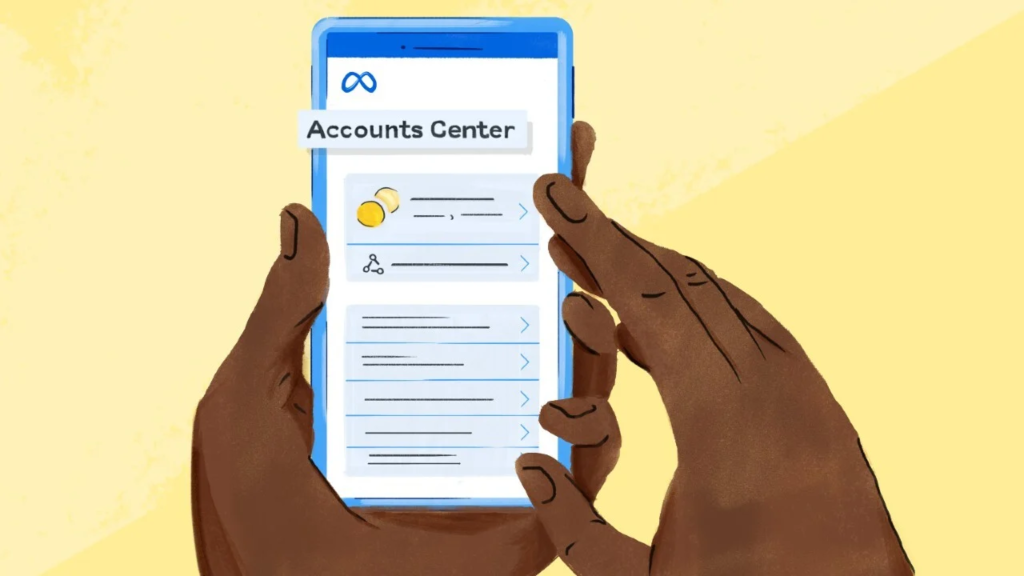
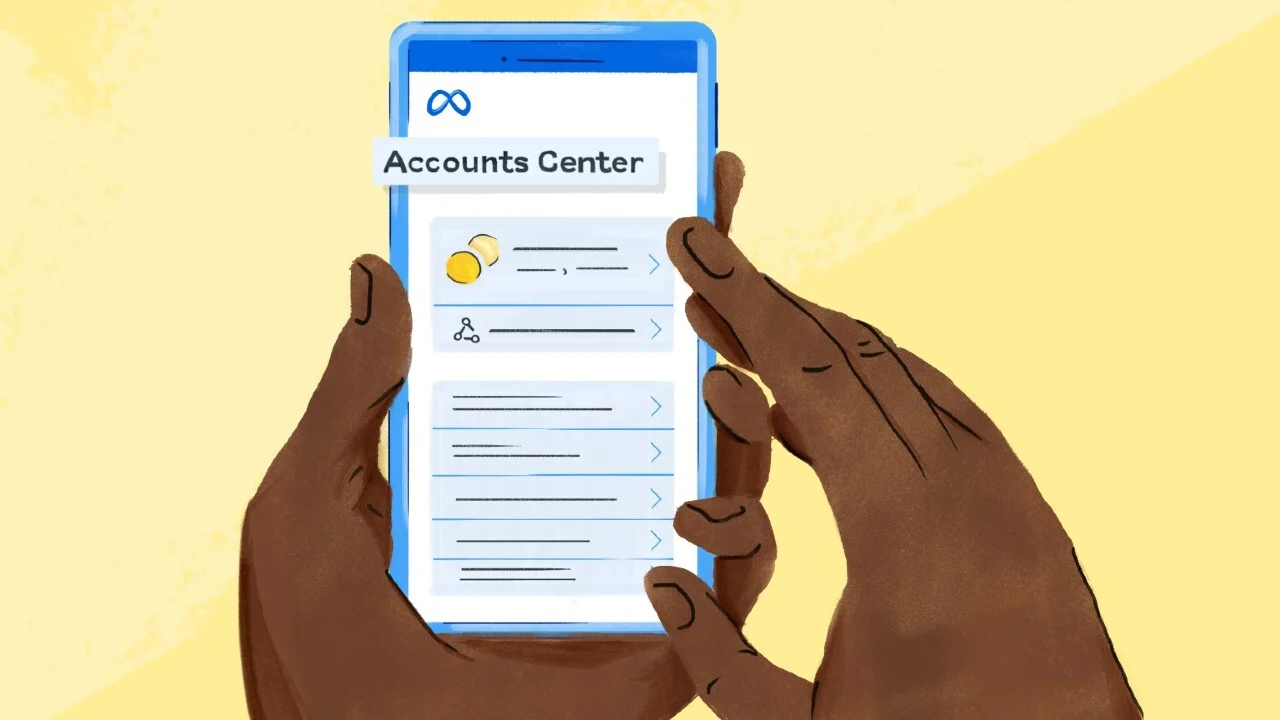
Users can observe current activity, erase past activity, disconnect certain activities, and control upcoming activity via the Accounts Centre page. Users have the option to delete all of their previous activity or unplug particular actions that Facebook has gathered from various sources. Users can disable gathering information for actions taken on both platforms in the future by selecting the Manage Future Activity feature.

Off-Meta Data Downloading:

Users can save and evaluate their off-Meta action data. The Instagram app or the Facebook page can be used for this. Users may specify which profiles to download, how many details to download, and which categories of data to save by choosing the “Download your information” option in the settings. On the user’s PC, the downloaded data is available as a zip file.

Using the Facebook Security Checkup:

To improve account security, Facebook offers a Privacy Checkup tool. Users may evaluate and modify their privacy settings by tapping on the user’s profile icon and going to Settings & Privacy > Privacy Checkup. With the tool’s coverage of subjects such as “Who can see what you share,” people may manage the exposure of their data.

Avoid Online Job Scams With These 7 Simple Tips

Avoid Online Job Scams With These 7 Simple Tips

There have always been job frauds in one way or another, whether it’s through phoney job advertisements on TV, radio, or in newspapers.

However, as an increasing number of individuals use the internet to look for work, employment scams have both shifted online and increased in frequency. Here’s how to stay away from them.

1. Before applying, do some online research on the company

Avoid Online Job Scams With These 7 Simple Tips

Image Source: flexjobs.com

Is the business still in operation? Does that firm employ a hiring supervisor or recruiter? Is hiring for this position at the company? Check the website of the company to confirm these details. Does the job advertising contain a link that points to a secure website that begins with https://? To see the actual URL, move your mouse cursor over the URL.

2. Check Postings Located on Job and Networking Websites

Verify whether the position is posted on the firm website if you discovered it on an outside employment board like LinkedIn or Indeed.com. While not all employers have a page where job openings are posted, many do. Consider it a warning sign and keep looking if the vacancy you saw elsewhere isn’t posted there.

3. Wait to provide bank account details until after you are hired.

A fraudster may ask for cash or the details of a bank account during the interview. A respectable employer won’t request your bank account information before contract signing and direct deposit setup. if necessary, they won’t ever require you to verify your Internet banking login and password; instead, they will just ask to confirm the bank name, routing number, account number, and SWIFT code.

4. Verify the Identity of the Employer

Never accept a job offer only based on an email, a phone call, or a chat app. Demand a face-to-face interview or video conference.

5. Never Use Wire Transfer for Transferring Money to Someone You Meet on the Internet.

Once more, con artists can attempt to get payment for fictitious background checks or training expenses. Such demands are not going to come from a respectable business or employment.

6. Avoid Giving Personal Information to Networking Sites or Apps for Job Searches

Never provide your Social Security number or any other private data on online applications found on unaffiliated job-hunting websites. Keep that for the recruiting manager or HR division of the potential employer.

7. Verify That the Website Is Secure If You Need to Enter Your Social Security Number

Look for “https://” in the web URL. Enter your details only after speaking with a live person or over a video call.