Your Tech Story

Suhani Jain

I am a student pursuing my bachelor's in information technology. I have a interest in writing so, I am working a freelance content writer because I enjoy writing. I also write poetries. I believe in the quote by anne frank "paper has more patience than person

Samsung Confirms Galaxy S24 Displays Will be Fixed for 'Washed Out' Look

Samsung Confirms Galaxy S24 Displays Will be Fixed for ‘Washed Out’ Look

For the Galaxy S24 series, Samsung plans to provide a software update that should address display problems that consumers have been reporting since the phone’s introduction. The upgrade will also boost Galaxy AI and camera features, improving the user experience overall.

Display Issues: Colours That Seem "Washed Out"

Samsung Confirms Galaxy S24 Displays Will be Fixed for 'Washed Out' Look

Image Source: talkandroid.com

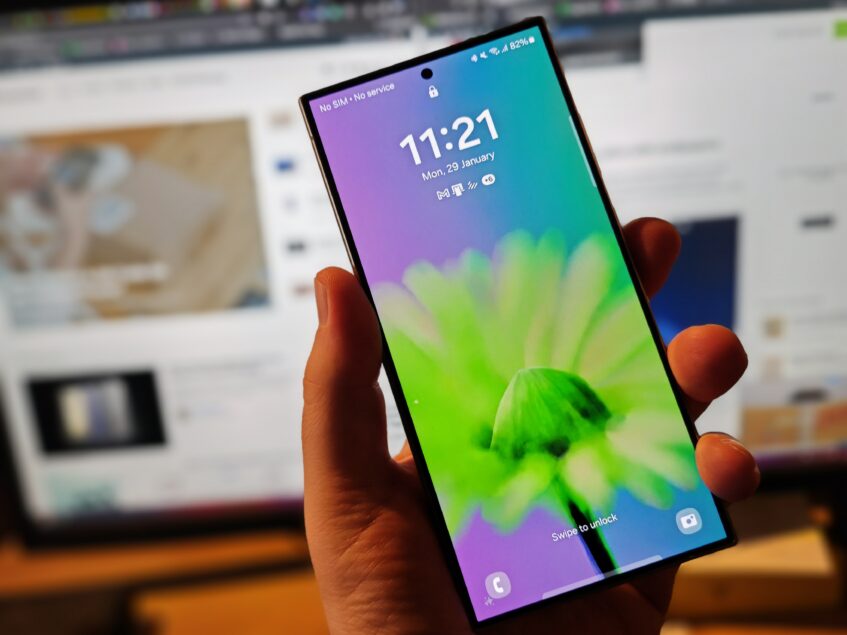
Users expressed issues about “washed out” colours on the Galaxy S24 Ultra’s display on internet forums when the Galaxy S24 series was released at the end of January. Even with settings adjusted for more intense colours, customers reported minimal change in display quality. All three of the Galaxy S24 series’ models seemed to be impacted by the problem. Samsung has responded by announcing the release of an upcoming software update that will directly address these issues.

Details of a Software Update

A new feature that will be included in the next update will let users change the vividness of their displays using a slider located in the Advanced Settings menu. This customisation option will address the observed “washed out” colours by giving customers additional control over contrast and colour saturation.

The camera experience will also be improved with this upgrade. When utilising the back camera, Samsung claims enhancements to the Portrait mode, low-light photography, and video shooting capabilities. Users may anticipate a general improvement in camera performance, even if the specifics of these upgrades have not been disclosed.

Software Updates Released on Schedule

Although there haven’t been any software upgrades for the Galaxy S24 series for a few weeks, Samsung’s announcement reassures customers that they will be available shortly. Android smartphones usually get day-one upgrades to fix any bugs, but this time there was a noticeable delay.

What to Expect

Users may adjust their display settings to their preference using the new Vividness slider function, which restores vibrancy and fixes the noted colour saturation concerns. Aside from improving important functions like zoom, portrait mode, night mode, and video recording, the update also promises better camera performance.

Although no further enhancements are mentioned in the announcement, customers should expect some small adjustments and bug fixes in addition to the February 2024 security patch.

In order to give customers of the Galaxy S24 series an enhanced and optimised experience, Samsung plans to start releasing the software update in February.

President Biden Embraces TikTok as a Strategic Move to Engage Young Voters

President Biden Embraces TikTok as a Strategic Move to Engage Young Voters

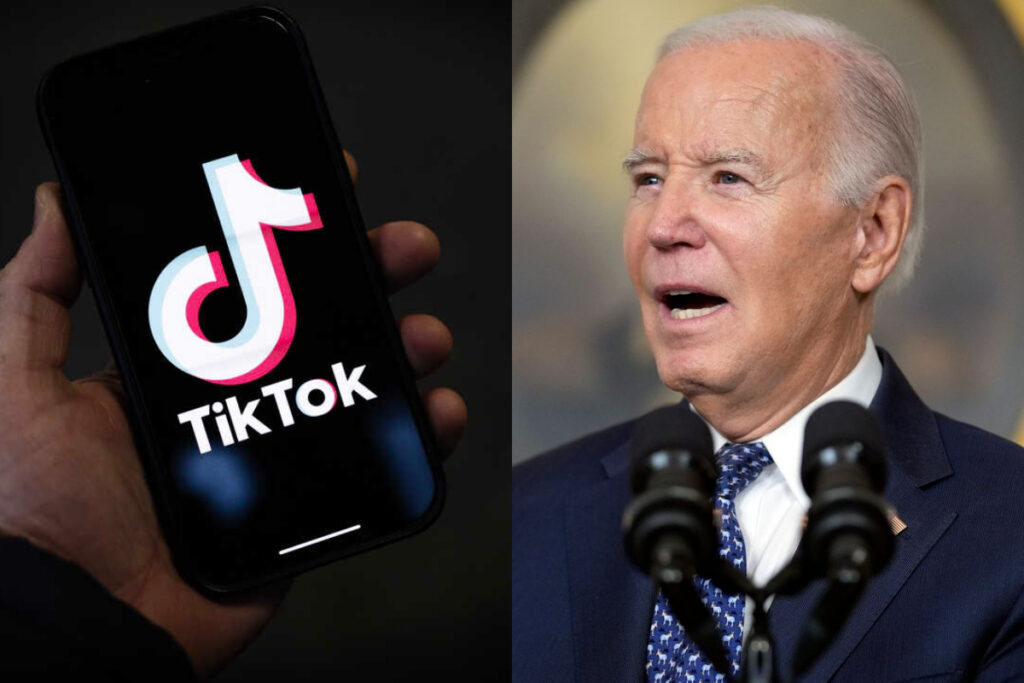
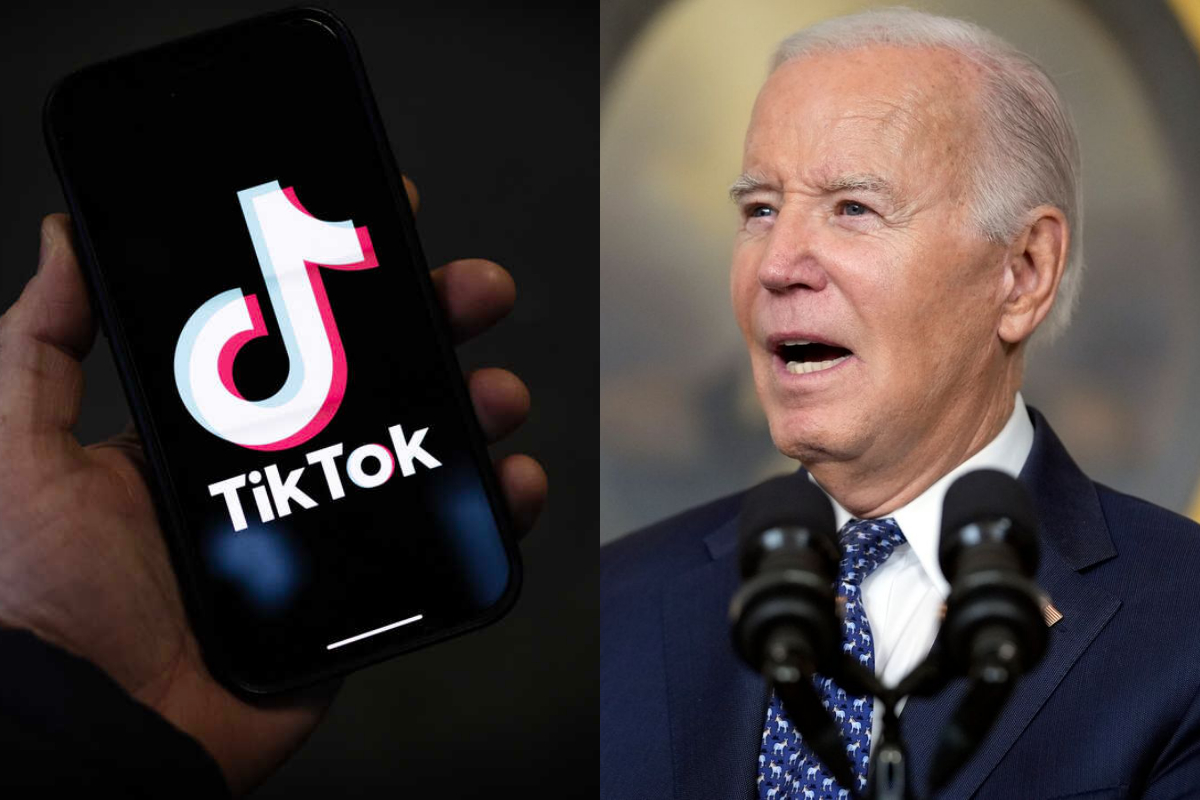
Recently, President Joe Biden gained attention when he joined TikTok in an effort to engage younger Americans on the well-known social media network. However, politicians worried about data privacy and national security issues have expressed mixed feelings about his entry into the TikTok scene and raised eyebrows.

"It is like young kids are hosting a party, things are going great and then they hear their grandfather is showing up late after not being invited," said Scott Talan, assistant professor of public communications at American University.

forbes.com

The President's Presence on TikTok

President Biden Embraces TikTok as a Strategic Move to Engage Young Voters

Image Source: bolnews.com

In an attempt to connect with a younger audience in advance of the big game, President Biden made his TikTok debut with a video in which he responded to queries about the Super Bowl. But considering that TikTok prohibits the majority of government-issued gadgets in the United States owing to security concerns, his choice to join the site has drawn condemnation from both Democrats and Republicans.

Conflicting Messages and Fears

On consistency in message on data privacy and national security, there have been concerns expressed by the White House’s decision to permit President Biden to join TikTok despite the platform’s ban on official devices. Legislators are worried about Biden’s TikTok presence from an optics standpoint, particularly in light of the law he signed in 2022 prohibiting the use of apps on federal government computers.

Interacting with a Disinterested Audience

Some commentators saw Biden’s shift to TikTok as a calculated attempt to connect with a group that politicians have typically ignored, despite the criticism surrounding it. Given the growing significance of the youth vote in the past few elections, Biden’s team might see TikTok as a useful tool for reaching out to younger voters who primarily rely on non-traditional sources for their news and information.

Handling Political Difficulties

Though Biden’s late arrival on TikTok has prompted concerns about the efficacy of his engagement plan, the site presents a unique opportunity to connect with younger people. Some contend that rather than the president joining the platform, using influencers or surrogates on TikTok could have been a more successful strategy for energising young voters.

Looking Forward

Although President Biden’s appearance on TikTok is a daring attempt to engage with the younger generation of Americans, it also underscores the difficulties in navigating the dynamic world of social media politics. Biden’s TikTok debut serves as a reminder of the intricacies and subtleties of digital engagement in contemporary politics, as he attempts to enliven and motivate the youth vote.

 
Elon Musk's bold vision of Moving a million people to Mars

Elon Musk’s Bold Vision of Moving a Million People to Mars

Elon Musk, the founder of SpaceX, has revealed a bold plan to bring one million people to Mars in order to create a human population there. Musk has always aspired to make mankind “multi-planetary” and ensure the continuation of civilization beyond Earth’s boundaries, and this grandiose project reflects this goal.

A Mission with Vision

Elon Musk's bold vision of Moving a million people to Mars

Image Source: techspot.com

Musk’s declaration, shared on social media, emphasises his unwavering dedication to interplanetary colonisation. The “single-planet Great Filter” must be overcome by civilization by guaranteeing that Mars can support life independently of Earth, he says, highlighting the planet’s significance as a possible haven.

Starship Rocket: Mars Gateway

SpaceX’s Starship rocket, billed as a breakthrough transport capable of ferrying humans to Mars with unprecedented simplicity and efficiency, is central to Musk’s Martian dreams. Musk sees Starship opening the door to a day in which interplanetary travel is as commonplace as domestic travel.

A Schedule for Settlement on Mars

Musk has long envisioned a thriving Martian colony, but new information indicates SpaceX is moving more quickly to carry out this goal over the next several years. Musk is so optimistic that he believes SpaceX can reach the Moon in five years, demonstrating the company’s dedication to expanding space exploration in many ways.

Getting Past Technical Obstacles

Musk has set an ambitious timeframe, but there are several technological obstacles in the way of Martian colonisation. The recent test flight of SpaceX’s Starship, which ended in a catastrophic crash, serves as a reminder of the difficult challenges that lay ahead. Musk, meanwhile, seems unfazed and sees obstacles as chances for improvement and creativity.

Beyond a Moon Base

Musk imagines humans colonising not just Mars but also the Moon and going farther into space. Musk’s belief in the significance of space exploration for guaranteeing the long-term survival and prosperity of mankind is reflected in this ambitious ambition.

Conclusion

Relocating a million people to Mars as part of Elon Musk’s “game plan” is a daring step towards fulfilling humanity’s destiny as a multi-planet race. Even if there are many obstacles to overcome, Musk’s unflinching perseverance and SpaceX’s innovative spirit give optimism for a day when human civilization will spread beyond Earth’s bounds.

 
The Rise of Deepfakes: Why They're Spreading and How to Stop Them

The Rise of Deepfakes: Why They’re Spreading and How to Stop Them

Deepfakes are all over the internet now; they are pictures, sounds, and videos of people in situations they never went to or speaking things they never said. These altered works of art frequently include the face of a well-known person superimposed on the body of another. Artificial intelligence has made it incredibly easy to create these misleading media, which has resulted in their widespread distribution on a variety of channels. Deepfakes have become a powerful weapon with far-reaching effects, used to deceive people and damage public persons’ reputations.

Taking On Deepfakes: Present Initiatives

The Rise of Deepfakes: Why They're Spreading and How to Stop Them

Deepfakes present a challenge to governments and regulatory agencies, who are working to reduce their spread and lessen the negative impacts they cause. The US Federal Communications Commission (FCC) has outlawed the use of artificial intelligence (AI) voices in robocalls in response to incidents like an audio deepfake that mimicked US President Joe Biden during the presidential primary in New Hampshire. Only a few states have passed legislation against deepfake pornography, due to the lack of federal statutes that directly address the issue.

The Danger to Society: Consequences and Issues

Deepfake technology has far-reaching consequences that go beyond simple media manipulation; it seriously jeopardises both human welfare and society integrity. Examples include explicit deepfake photos of Taylor Swift that have gone viral on social media, highlighting the risk of privacy violation and reputational damage. Actress Xochitl Gomez has brought attention to the prevalence of sexually explicit deepfakes that feature kids, which raises ethical and legal questions about content regulation and protecting the vulnerable.

The Development of Technology for Deepfakes

Deepfake technology has changed over time, moving from its academic roots to a broader market thanks to open-source code and generative artificial intelligence systems. What formerly required genuine vocal performances and existing video material is now simply necessary to follow basic textual directions, highlighting the skill and accessibility of modern deepfake techniques. The ease of accessibility has made it possible for digital forgeries to spread across a variety of internet channels, making it more difficult to discern between modified and genuine material.

Techniques for Detection and Prevention

Deepfake detection methods are being developed by both big giants and startups. By utilising machine learning algorithms and digital watermarking techniques, businesses such as Intel Corp. and Sensity AI are developing innovative approaches to media content identification and authentication. Although these developments present potential ways to counteract deepfakes, the continuous threat they represent calls for further investigation, cooperation, and attention to protect people from being exploited and to preserve the integrity of digital material.

To sum up, even if deepfakes are still becoming more common, governments, tech corporations, and civil society need to work together to develop policies that will effectively combat this rising threat and maintain the credibility of digital media.

How to Use Your Apple Watch's Walkie-Talkie Feature for Instant Communication

How to Use Your Apple Watch’s Walkie-Talkie Feature for Instant Communication

The Apple Watch’s Walkie-Talkie mode was covertly introduced in 2018 and is a feature that is frequently overlooked. But whether your friends and family live across the room or on the other side of the world, this useful communication tool may completely change the way you remain in touch with them. This is how to make full use of it.

Uninterrupted Communication Without Limitations

How to Use Your Apple Watch's Walkie-Talkie Feature for Instant Communication

Image Source: laptopmag.com

Similar to the vintage walkie-talkies of the past, this software enables audio chats to take place instantly with contacts who own an Apple Watch. The finest aspect? It works seamlessly even with Wi-Fi-only models—as long as your iPhone is close by—and does not require a cellular connection.

Configuring the App for Walkie-Talkies

Make sure you satisfy the prerequisites to utilise the Walkie-Talkie mode: both you and your contact must have iPhones running iOS 12.4 or later and Apple Watches running WatchOS 5.3 or later. It only takes a minute to set up.

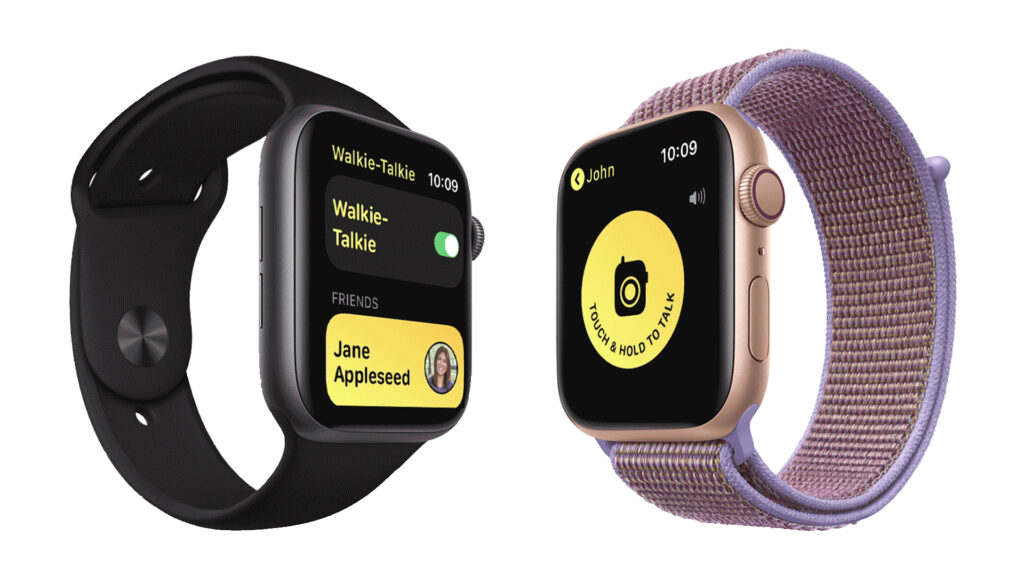
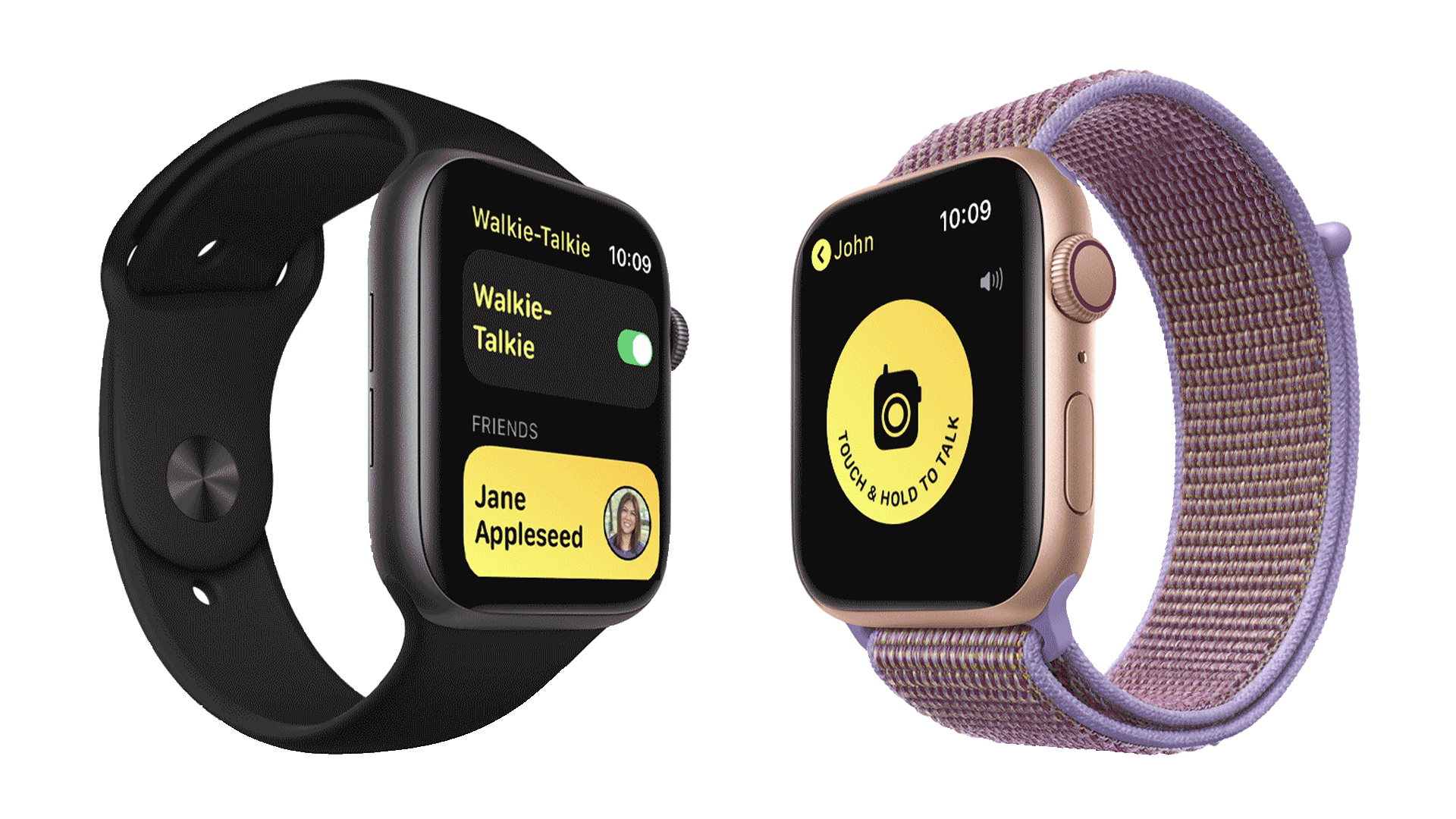
Launch the app and send a friend request: From the App List on your Apple Watch, select the Walkie-Talkie app. To add a contact for the first time, press “Add Friends” and choose from your contact list.

Connect with Your Contacts: Your contacts will show up on your list of friends as soon as they accept the invitation. Press their name to start a discussion. Note: Establishing a connection could take some time.

To initiate conversation, press and hold the “Touch & Hold to Talk” button while speaking into your watch. When you’re done talking, release the button. After a brief tone, your voice will be sent to the recipient’s Apple Watch.

Toggle Accessibility Options: In the Apple Watch Settings app, turn on “Tap to Talk” if you’d rather have one-tap access. This makes conversation even more convenient by enabling you to switch the microphone on and off with a single tap.

Using the Walkie-Talkie Application

Pressing the Digital Crown on your Apple Watch will exit the Walkie-Talkie app. This ensures that the programme is always operating in the background and that you are always ready for talks. If there are moments when you just want quiet, see the FAQ section for details on how to temporarily disable the app.

Discover the hidden treasure of the Apple Watch’s Walkie-Talkie mode, which is really easy to use and convenient. This tool adds a nostalgic yet contemporary touch to communication on the go, whether you’re coordinating activities at home or staying in contact during outdoor adventures.

A Step-by-Step Guide to Unsubscribe From Unwanted Emails and Newsletters

A Step-by-Step Guide to Unsubscribe From Unwanted Emails and Newsletters

Is there an avalanche of promotional emails, newsletters you never signed up for, and important communications filling your inbox? Then you are not by yourself. Unwanted newsletters and emails can clog your inbox, making locating important communications difficult. Thankfully, there are easy ways to get rid of these annoying messages without having to take extreme actions.

Simply Unsubscribe Links

A Step-by-Step Guide to Unsubscribe From Unwanted Emails and Newsletters

Image Source: lifewire.com

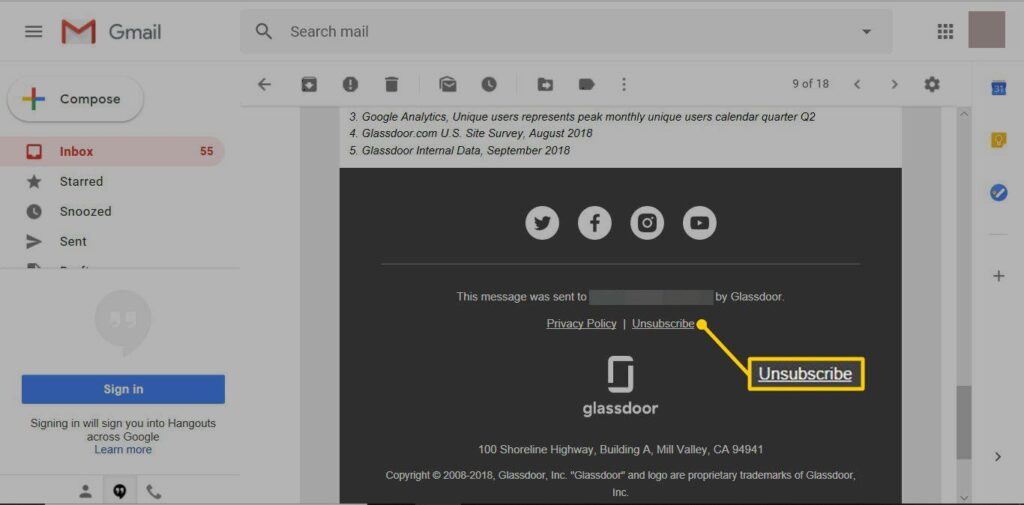
The easiest method for getting off an email list is to use the unsubscribe feature that the sender has built-in. These links, which are usually near the bottom of the email, could be obscured or difficult to find in order to deter unsubscribing. Nonetheless, many email providers streamline the procedure to increase user accessibility.

Gmail Unsubscribe:

Gmail from Google provides an easy-to-use unsubscribe feature for emails that are subscription-based. Gmail will display an unsubscribe link prominently at the top of emails that it recognises as subscription-based. To easily opt out of receiving future messages, users only need to click on this link.

Methods for Gmail Unsubscription:

  • Open Gmail and go to your inbox after logging in.

  • When you open the undesired email, choose “Unsubscribe” by clicking the button adjacent to the sender’s address.

  • Click “Unsubscribe” to confirm your choice in the pop-up box.

  • You have the option to transfer the mail to spam for additional filtration.

Removing from Outlook

Users of Microsoft Outlook can unsubscribe from emails in a similar way. Outlook users may simply stop unwanted subscriptions by clicking the unsubscribe link at the top of the email.

Outlook Unsubscribe Procedures:

  • Open the Outlook desktop programme or go to Outlook.com.

  • To cancel a subscription, open the email that contains the subscription.

  • Above the sender’s details, click the “Unsubscribe” option.

  • Click “Unsubscribe” to validate your selection in the pop-up box.

More Unsubscribing Methods

  • Other ways to unsubscribe from unsolicited emails exist if you can’t find a link to unsubscribe or if you have another email provider:

  • Look for the Unsubscribe option in the message: Look for the unsubscribe link in the email message; it’s generally in the footer or near the bottom.

  • Employ a Mass Unsubscribe Service: To unsubscribe from emails in masse, use services like Unroll.me, Clean Email, or Cleanfox.

  • Modify Your Preferences for Email: To stop getting unsolicited emails, change your email options on the websites of any company with whom you have an account.

These instructions will help you clear up your inbox and take back control of your email correspondence so that only the messages you wish to receive end up there.