Your Tech Story

Suhani Jain

I am a student pursuing my bachelor's in information technology. I have a interest in writing so, I am working a freelance content writer because I enjoy writing. I also write poetries. I believe in the quote by anne frank "paper has more patience than person

Roclub Raises €4M to Advance Teleoperation Solutions in Healthcare

Roclub Raises €4M to Advance Teleoperation Solutions in Healthcare

Medical advancements have advantages as well as drawbacks, with rising demand placing pressure on healthcare systems throughout the world. In response, Berlin-based Roclub, a trailblazing digital health startup, is transforming patient care via the use of teleoperation technology.

Roclub Gets €4M in Seed Funding, A Significant Development in Healthcare Innovation.

Roclub Raises €4M to Advance Teleoperation Solutions in Healthcare

Image Source: techfundingnews.com

A successful €4 million seed fundraising round headed by well-known American and European investors, including FJ Labs and Speedinvest, was recently disclosed by Roclub. With the help of this cash and earlier investments, RoClub will be able to grow its business and enhance its teleoperation platform.

Roclub: Spearheading the Revolution in Digital Health

Dr. Matthias Issing and André Glardon founded Roclub in 2022, specialising in teleoperation technologies for medical applications. Their technology makes it possible for MRI/CT scanners to be connected remotely, which makes remote scanning, assistance, and instruction easier. Club Rocabulous is dedicated to influencing the course of medical technology and patient care with the help of investors and strategic entrepreneurs.

Using Teleoperation to Address Healthcare Workforce Shortages

The lack of workers in the healthcare industry worldwide may be addressed by teleoperation technology, such as that provided by RoClub. RoClub’s platform makes it possible for medical equipment to be operated and accessed remotely, which improves productivity and guarantees business continuity for healthcare organisations while also expanding access to treatment.

Seizing a Profitable Business Prospect

Estimated at €50 billion, the teleoperation sector is a big opportunity. RoClub’s creative methodology establishes a new benchmark for the effective functioning of medical equipment, meeting the changing requirements of patients and healthcare professionals.

Increasing Patient Care and Educating Healthcare Professionals

The teleoperation platform from RoClub enables medical organisations to manage medical technologies with ease. In the end, it guarantees patients receive the best treatment possible by giving medical personnel flexibility in scheduling and location.

Investor Trust and Co-Founder's Goals

Prominent financiers have shown faith in Roclub’s concept. André Glardon, a co-founder, highlights the company’s dedication to upending MedTech practices and enhancing patient access. RoClub is well-positioned to expand and make an impact in the healthcare sector thanks to the solid backing of investors.

Sustained Innovation for the Betterment of Global Healthcare

RoClub is still committed to transforming medical technology operations around the globe. Their platform has already achieved great progress at university hospitals, mid-size hospitals, and outpatient centres in the DACH area, with an emphasis on MRI/CT scanners. RoClub seeks to bring about significant change in the healthcare industry via persistent innovation and smart alliances.

 
Philippines Orders Google and Apple to Remove Binance App from Stores

Philippines Orders Google and Apple to Remove Binance App from Stores

Citing worries about investor security and possible economic consequences, the Securities and Exchange Commission (SEC) of the Philippines has ordered Google and Apple to eliminate cryptocurrency exchange Binance from their local app stores. Here’s a closer look at the circumstances:

Taking Action on Regulations

Philippines Orders Google and Apple to Remove Binance App from Stores

Image Source: bitcoinist.com

On April 23, the SEC announced in a news release that it had ordered Google and Apple to take down any apps related to Binance that were accessible to Filipino consumers on the Google Play Store and the Apple App Store. Allegations that Binance violated Philippine securities regulations by acting as an unregistered broker and offering unregistered securities to Filipino investors led to the taking of this action.

SEC Chair Emilio B. Aquino emphasised the need for this action, claiming that investors are at risk and that the local economy may suffer if Binance applications remain available. Aquino underlined how critical it is to stop Binance from engaging in any further unlawful activity inside the nation.

Prior Bans and Advisories

The National Telecommunications Commission (NTC) blocked access to Binance websites in the Philippines on March 25, and this latest action by the SEC comes after that action. Since November 2023, the SEC has issued warnings to the public about the dangers of doing business with Binance because of its licence and regulatory compliance issues.

An SEC representative reaffirmed the alerts on April 8 and said that consumers were given an extension and a three-month window to remove their money from Binance. Following this grace period, the SEC said that they were unable to provide any means of getting money back.

On February 21, the Philippines launched a crackdown on unregistered cryptocurrency trading sites; at first, Binance was untouched by these legal measures.

Issues with Global Regulation and Binance's Reaction

Even if there are regulatory obstacles in the Philippines, Binance has advanced in other regions. Binance, which has previously violated local restrictions and paid a $2 million fine, announced its return to the Indian market on April 18. The same day, Binance also received a cryptocurrency licence in Dubai after co-founder Changpeng Zhao gave up his voting rights in the exchange’s local organisation.

In summary, the SEC’s decision to ban Binance from the Philippine Google and Apple app stores is a reflection of its continued efforts to uphold securities laws and shield investors from unsanctioned financial activity. This action emphasises the difficulties of negotiating regulatory regimes across numerous jurisdictions and the larger legal landscape that bitcoin exchanges face internationally.

 
Amazon Shifts Focus from California to Arizona for Drone Delivery Plans

Amazon Shifts Focus from California to Arizona for Drone Delivery Plans

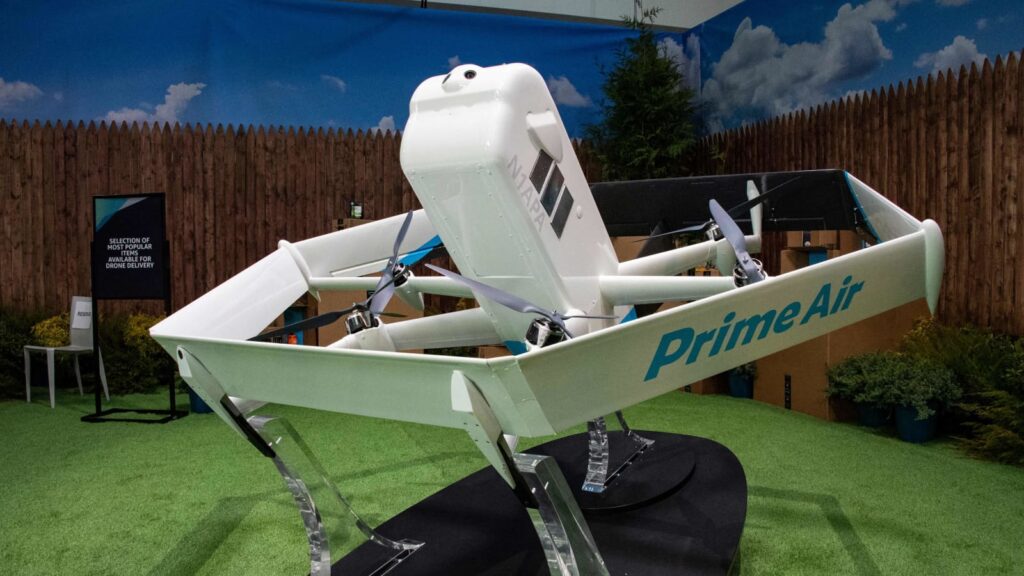
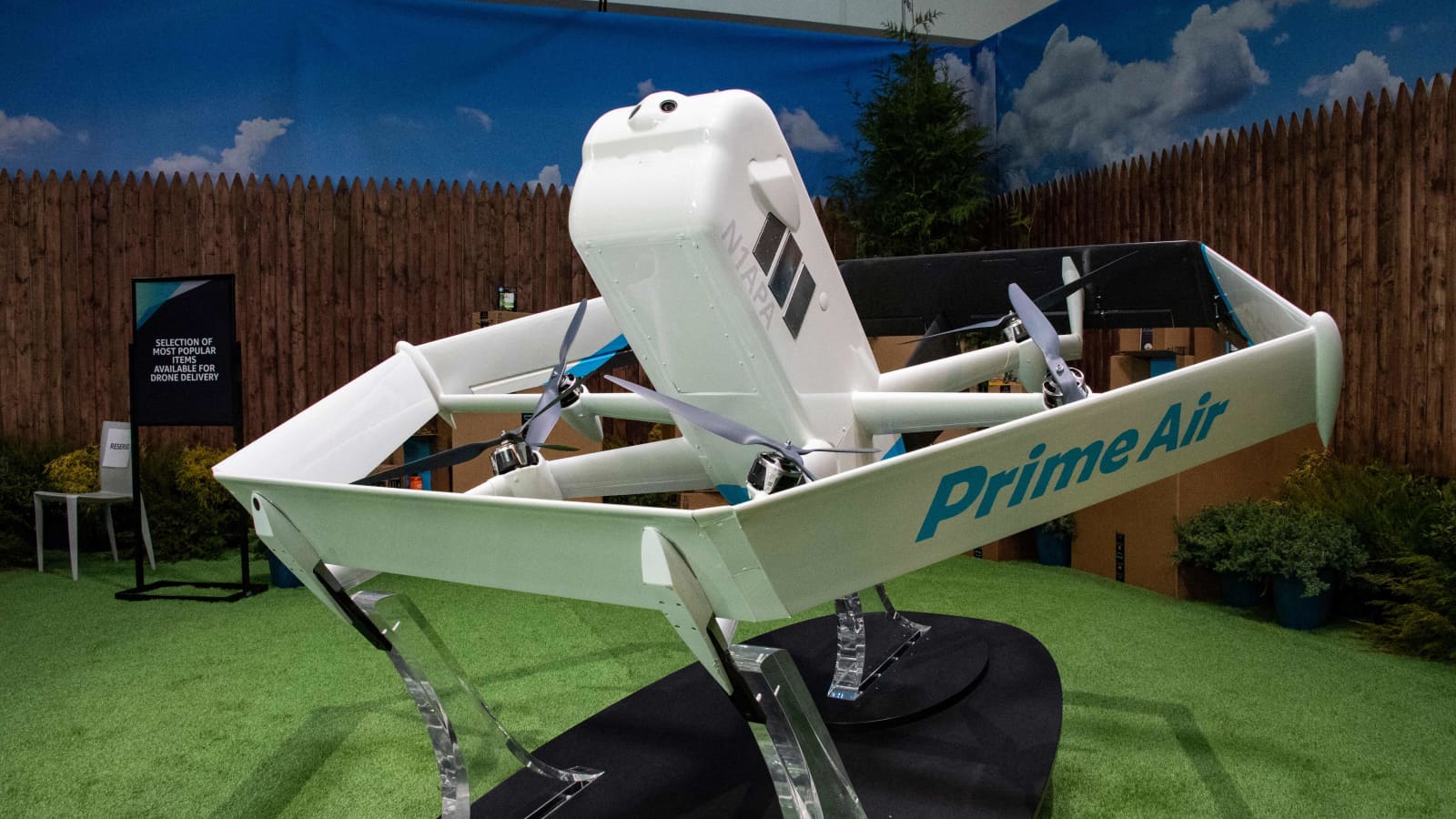
Amazon has declared that it will no longer be using drone delivery services in Lockeford, California. This indicates that the company will now be concentrating on extending the program to Arizona, where deliveries are expected to start later this year. These are the specifics:

Moving from California to Arizona

Amazon Shifts Focus from California to Arizona for Drone Delivery Plans

Image Source: cnbc.com

Undergoing strategic adjustments is the Prime Air drone delivery program, which has had difficulties since its establishment in 2013. In a blog post published on Monday, Amazon stated that it intends to expand drone delivery services to other American towns by 2025. The company aims to begin services in Tolleson, Arizona, a community west of Phoenix, later in 2024. This growth is a result of Amazon’s attempts to get the Federal Aviation Administration (FAA) and local government permissions required for drone delivery in the Phoenix region.

Lockeford Site Closure

Amazon has decided to close its Lockeford drone delivery location in order to devote resources to expanding the program in line with its long-term objectives. The corporation promised the people of Lockeford that their orders would still be delivered via alternate ways.

Testing Recently Developed Drone Technology

To ensure the MK30 delivery drone is dependable and capable, Amazon is testing it extensively. With its revised design, this model promises to be smaller, quieter, and function better in inclement weather and light rain.

Regulatory Partnerships and Benchmarks

After receiving the FAA’s Part 135 certification in 2020, Amazon has made progress in navigating regulatory challenges. In October of last year, the FAA loosened limitations on drone flight routes, allowing Amazon more operating flexibility.

Amazon and Embention, a company that creates drone autopilot systems, have strengthened their collaboration to improve safety features with improvements in both hardware and software.

Arizona's Prospects for the Future

Amazon’s dedication to innovation in its delivery network is demonstrated by its plan to broaden drone deliveries to Tolleson, Arizona. The Phoenix metro area’s clients will receive their items more quickly thanks to the efficient order fulfilment and delivery stations that combine hybrid technology.

Phoenix Adopts Unmanned Aerial Systems

Mayor of Phoenix Kate Gallego is excited about the use of drone delivery technology, noting that it may lessen pollution in the area and establish Phoenix as a centre for cutting-edge solutions.

Awaiting the Arizona Launch

Although specifics about the launch schedule and West Valley locations that qualify are still being withheld, Amazon plans to introduce drone delivery services in Arizona later this year. Customers who are interested in receiving information on Prime Air availability in their area can register for alerts.

The conclusion of operations at Lockeford by Amazon is indicative of the company’s strategic realignment towards augmenting its drone delivery capabilities. This move paves the way for revolutionary developments in the domain of autonomous package delivery.

Japan Watchdog Accuses Google of Undermining Local Competitors

Japan Watchdog Accuses Google of Undermining Local Competitors

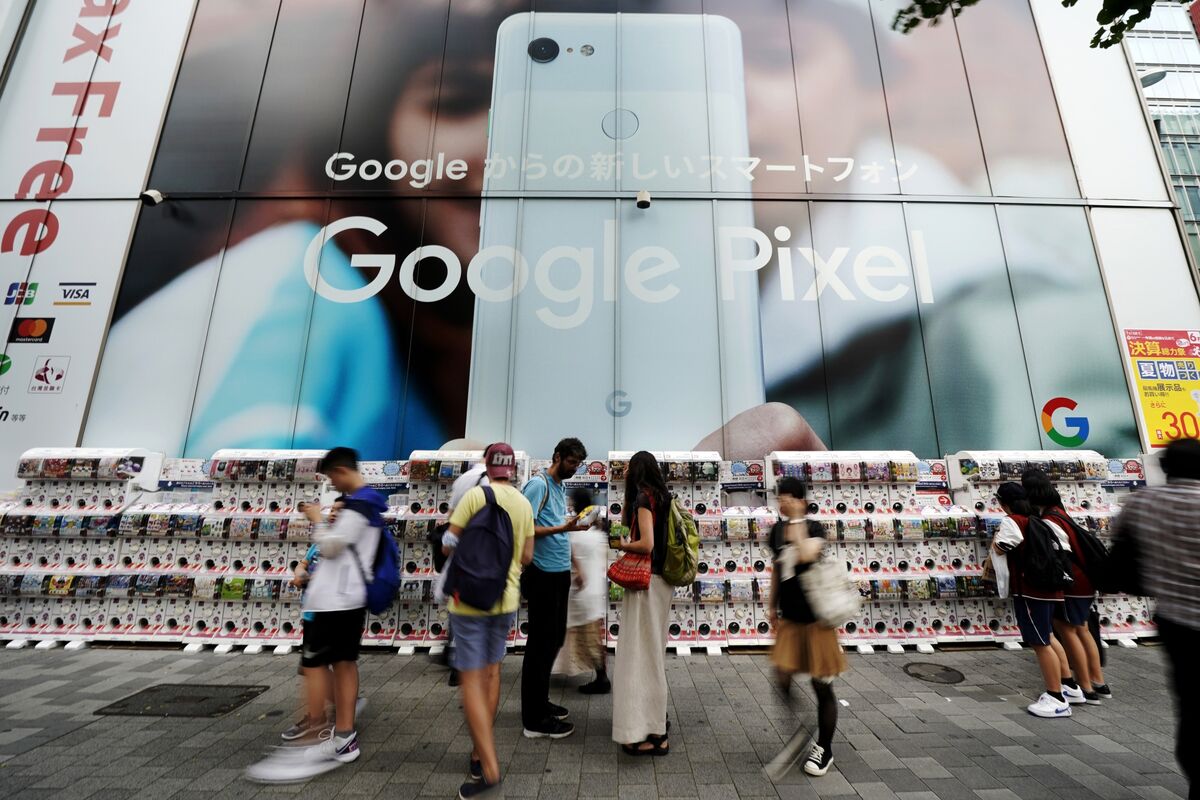
The Japanese Fair Trade Commission has raised worries about monopolistic activities in the internet industry by accusing Alphabet Inc.’s Google of using strategies that hurt Yahoo Japan’s ability to compete in focused search advertising. A summary of the problem and its ramifications is provided below:

Claims of Market Restrictions

Japan Watchdog Accuses Google of Undermining Local Competitors

Image Source: bloomberg.com

The Fair Trade Commission claims that between 2015 and 2022, Alphabet denied Yahoo Japan access to the technology required to produce targeted ad income from searches on mobile devices. Yahoo Japan’s capacity to successfully compete in the online advertising market was severely hampered by this restriction. Saiko Nakajima, an FTC officer, highlighted the significance of Google’s activities, saying that they significantly reduced competitiveness in the Japanese market.

Promises and Administrative Action

Soon after the problem was brought to Alphabet’s attention, the company changed its behaviour in response to the watchdog’s conclusions and pledged to give Yahoo Japan access to keyword-tied targeted advertising technologies. This pledge was a component of the FTC’s legal proceeding against Alphabet, which was the first of its kind in Japan in opposition to the tech behemoth.

Worldwide Antitrust Issues

The case highlights worries about the dominance of large tech giants such as Google, Microsoft, and Amazon that are widespread around the world. Antitrust authorities are concerned that these businesses are using their market dominance and technological know-how to suppress competition or buy out possible competitors, therefore maintaining their hegemony.

Investigations and Scrutiny of Regulations

In addition to Japan, Alphabet is under regulatory investigation in a number of other countries, including the US. Due to allegations from state solicitors general about limitations on developers’ access to customers through the Google Play app store, Alphabet is facing a $700 million settlement in the United States.

The fact that Japanese authorities are looking into Alphabet over claims that it forced regional smartphone makers to put its search services first on their products highlights the level of regulatory scrutiny that big internet companies are subject to.

Sustained Surveillance and Potential Reopening of Inquiries

The Japanese Fair Trade Commission is unflinching, signalling that it would keep a tight eye on the issue. The FTC has the authority to resume its investigation into Google at any time, which emphasises how crucial continuous regulatory supervision is to preserving fair competition in the online market.

To sum up, the steps taken by Japan’s watchdog against Alphabet demonstrate the increased regulatory scrutiny that large internet companies are subject to worldwide, highlighting the necessity of strong antitrust laws to maintain fair competition and innovation in the digital sector.

 
How to Configure a VPN on Your Android

How to Configure a VPN on Your Android

How to Configure a VPN on Your Android

Image Source: clario.com

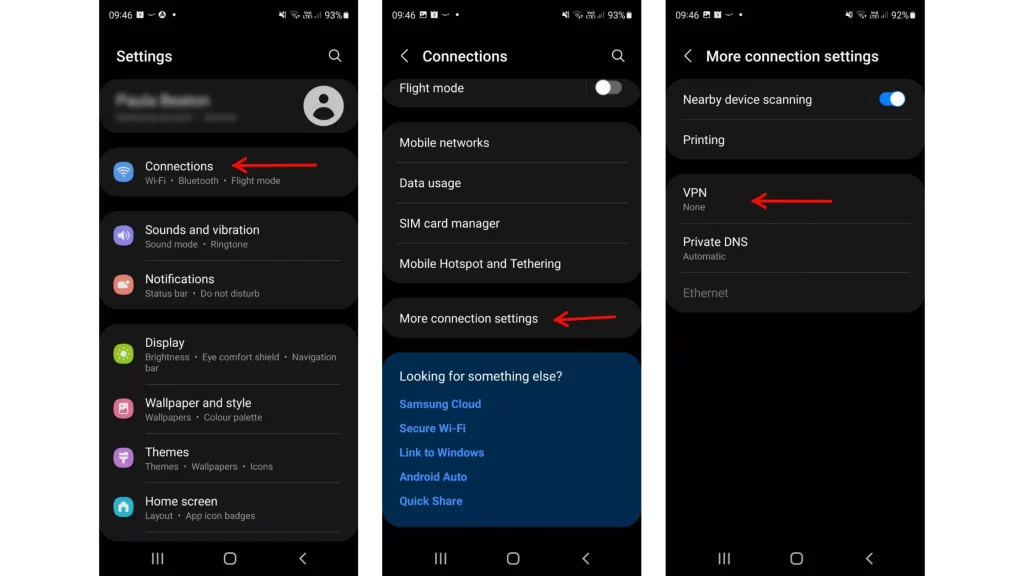
Setting up a VPN (Virtual Private Network) on your Android device can help shield your online activity from prying eyes in the modern digital world when security and privacy are crucial. Here’s a thorough tutorial on setting up a VPN on your Android device, regardless of your reasons for wanting to protect your privacy, access content that is blocked, or secure your connection when using public Wi-Fi.

Selecting a Trustworthy VPN

Choosing a reputable VPN service is essential before beginning the setup procedure. Even while there are many free VPNs out online, they frequently have restrictions and privacy issues. Here are a few well-liked VPN suggestions for Android:

  • NordVPN: Well-known for its extensive server network, quick connections, and strong security features.

  • ExpressVPN: Strong encryption, good speed, and easy-to-use applications are all features of ExpressVPN.

  • Surfshark: An inexpensive VPN with a tonne of features and limitless simultaneous connections.

How to Configure an Android VPN

On an Android smartphone, setting up a VPN is simple and may be done in a few different ways, depending on your preferences.

Installing a VPN App

  • Set up a VPN application: Get a VPN app from the Google Play Store, such as Surfshark, NordVPN, or ExpressVPN.

  • To log in, open the VPN app and enter your login details.

  • Choose a Server: Select a server location via the VPN application.

  • Link: To create a secure VPN connection, tap the “Connect” button.

Manual Setup (Integrated VPN)

  • Get to the Android Settings: Your Android device’s Settings app should open.

  • Go to the Network & Internet page: Select “Network & Internet” from the menu. 

  • Choose a VPN: Select “VPN” from the network settings menu.

  • Create a VPN Profile: To create a new VPN profile, tap the “+” symbol.

  • Enter your VPN information here: Enter the necessary VPN server information that your VPN provider has sent you.

  • Save Profile: Conserve the VPN profile configuration.

Configuring an OpenVPN

  • Get OpenVPN Connect by downloading it: OpenVPN Connect may be installed via the Google Play Store.

  • Configuration for Import: OpenVPN Connect should import the VPN configuration file that your VPN provider sent you.

  • Connect to Server: To create a VPN connection, click “Connect” in the OpenVPN Connect app.

Setting a VPN connection on an Android device

Connecting to a VPN on your Android smartphone is simple after it has been configured:

  • Get VPN Settings Access: Go into the settings on your Android smartphone.

  • Open the VPN: Navigate to “Network & Internet” > “VPN.”

  • Include a VPN profile: Input your VPN credentials by tapping “Add VPN Profile”.

  • Save Preferences: To save the VPN profile, click “Save”.

  • You can establish a direct connection to the VPN profile from the VPN settings menu if it has already been configured.

Removing Yourself from an Android VPN

To unplug your Android smartphone from a VPN:

  • Get VPN Settings Access: Navigate to “VPN” under “Network & Internet” in your device settings.

  • To disable a VPN, either flip the switch to “Off” or choose “Disconnect” from the menu next to the VPN profile.

  • Modifying the VPN Settings on an Android Device

You May Personalise the VPN Experience to your Tastes by Adjusting the VPN Settings on your Android Device:

  • Always On VPN: To maintain an active VPN connection at all times, enable “Always On”.

  • Clear alerts: While the VPN is operational, turn off the persistent alerts.

  • Establish a work profile to provide safe access to private networks.

Why a VPN Is Necessary for Android

On your Android smartphone, using a VPN has the following advantages:

  • Enhanced Privacy: Hides your IP address and online activity by encrypting your internet traffic.

  • Secure Public Wi-Fi: Prevents possible hackers from accessing your data on public Wi-Fi networks.

  • Access to Restricted Content: Get around geo-restrictions and internet censorship to access content from around the world.

  • VoIP Call Security: Provides safe Voice over Internet Protocol (VoIP) connections.

  • Streaming and torrenting: Provides access to geo-blocked streaming material and secure torrenting.

To sum up, installing a VPN on your Android phone is a simple procedure that improves your internet security, accessibility, and privacy. You may use your Android device to browse the internet more safely and securely by selecting a reliable VPN service and adhering to these setup guidelines.

 
Step-by-Step Guide: Connecting Your Apple Vision Pro to a Mac

A Quick and Easy Guide to Setting Up Your Apple Vision Pro with a Mac

Step-by-Step Guide: Connecting Your Apple Vision Pro to a Mac

Image Source: digit.in

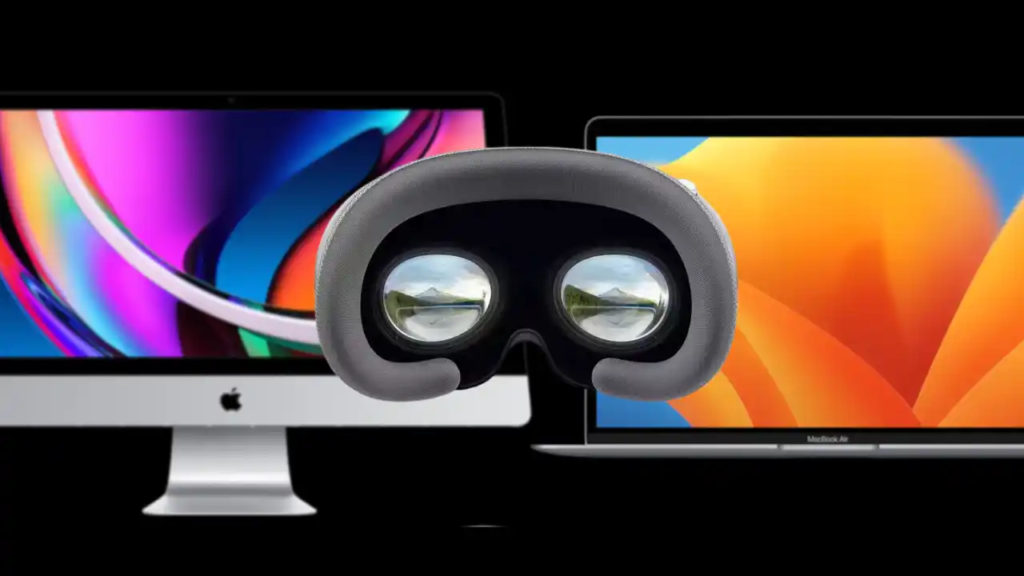
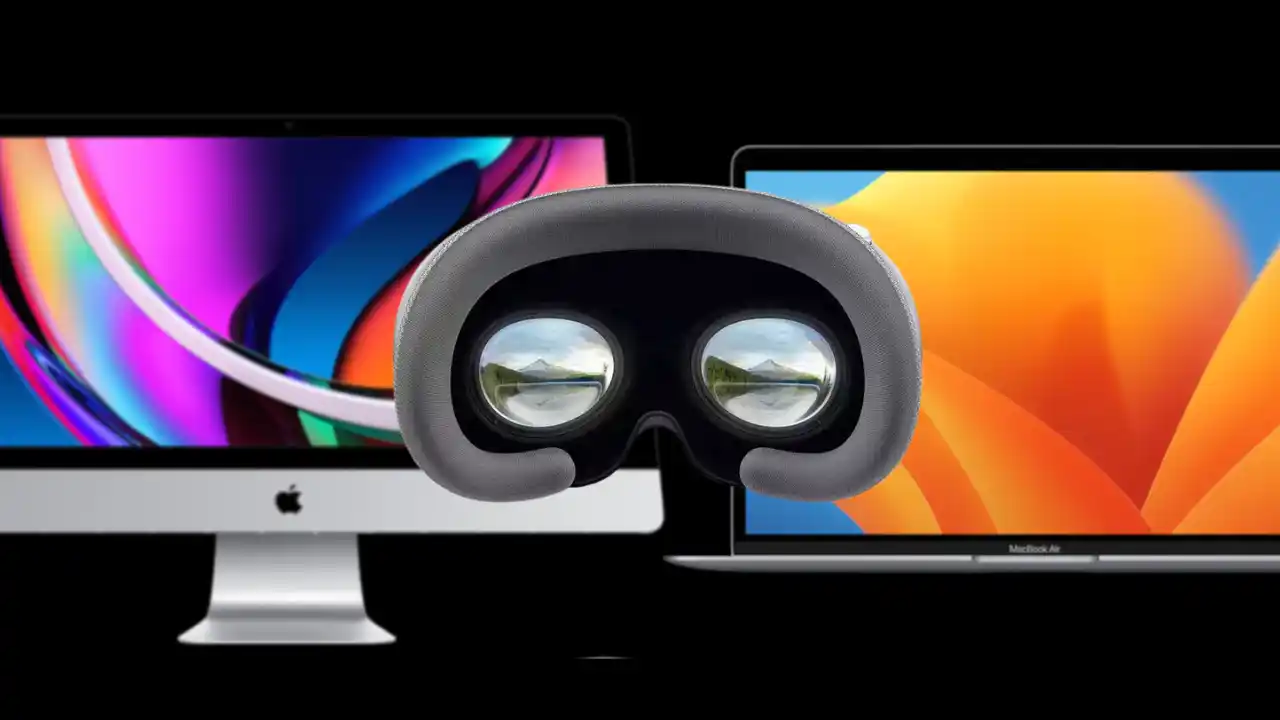
The distinction between the physical and digital realms is blurred with Apple’s Vision Pro headset, providing an immersive experience. By connecting this cutting-edge device to your MacBook or Mac, you may greatly improve its usefulness and completely change the way you interact digitally and work. Combining the Vision Pro with your Mac brings up a world of possibilities, whether your goal is to increase efficiency or explore cutting-edge apps. This comprehensive how-to guide will walk you through the process of connecting your Apple Vision Pro headset to your Mac and integrating macOS apps into the immersive Vision Pro experience.

Prerequisites for Pre-Connection

Prior to beginning the pairing procedure, make sure your Mac or MacBook and your Apple Vision Pro headset fulfil the following requirements for smooth synchronisation and integration:

  1. Same Apple ID: Verify that the same Apple ID is being used to log onto both devices. In order to enable seamless communication and synchronisation between the Vision Pro and your Mac, this step is essential.

  2. Mac OS compatible: Verify that macOS Sonoma or a later operating system version is installed on your computer. The enhanced features and functions of the Vision Pro are optimally supported thanks to this compatibility. 

  3. Updated Software: Most recent software Update the operating system on your Apple Vision Pro headset to the most recent version. Updating the software on a device is crucial for making use of all of its features and receiving the newest improvements.

  4. Proximity: Throughout the pairing procedure, keep both devices at a fair distance from one another—ideally, no more than ten metres. For the Vision Pro and your Mac to have a steady and dependable wireless connection, proximity is essential.

  5. Bluetooth and Wi-Fi: Turn on Bluetooth and Wi-Fi on your Mac and the Apple Vision Pro headset. For the devices to connect with each other seamlessly and to establish communication, certain wireless technologies are necessary.

You may link the Apple Vision Pro headset with your Mac or MacBook with confidence if certain pre-connection conditions are satisfied. This will enable a seamless and effective integration of the headset.

Connection Guide:

Method 1: Instructions for Setting Up a Connection Using Apple Vision Pro

  • Put on the Vision Pro: To use Apple Vision Pro, put on your headset.

  • Establish Connection: Point your screen’s direction towards your Mac’s screen and find the ‘Connect’ button.

  • Verification: Press the ‘Connect’ button to start the Vision Pro and Mac pairing process.

Method 2: Establishing a Connection using the Control Centre (Mac Virtual Display)

  • Centre for Access Control: With your Apple Vision Pro, open Control Centre by looking up and clicking the drop-down symbol (✇) to see more options.

  • Click on Mac Virtual Display. To enable connection, find and choose the ‘Mac Virtual Display’ option from the Control Centre menu. 

  • Select Your Mac: It will show you a list of devices that are available, including your Mac. Choose your Mac from the list in order to connect.

  • Verification: Verify the connection to complete the pairing procedure and start using the Vision Pro as a Mac virtual display.

Additional Instructions

  • Discontinuing Device Connection: Just press the ‘X’ button in the Control Centre on your Vision Pro headset to unplug the device from your Mac.

  • Resizing Virtual Display: Using pinch and drag actions, you may change the size of the Vision Pro’s virtual display window to fit your needs.

Advantages of Linking Mac with Apple Vision Pro

A number of advantages become available when you connect your Apple Vision Pro to your Mac, including:

  • Expanded Workspace: To improve productivity and multitasking on your Mac, use the Vision Pro as a virtual display.

  • Smooth Integration: For better user experiences, smoothly incorporate macOS apps into the immersive Vision Pro headset environment.

  • Enhanced Control: Use the Vision Pro interface’s simple movements and controls to navigate and interact with Mac programmes.

By connecting the Apple Vision Pro to your Mac or MacBook, you can take your digital interactions to new levels. The device is the epitome of augmented reality technology. A smooth connection between your Mac and Vision Pro headset may be made by following these easy steps, opening up a world of creative possibilities and immersive experiences.